
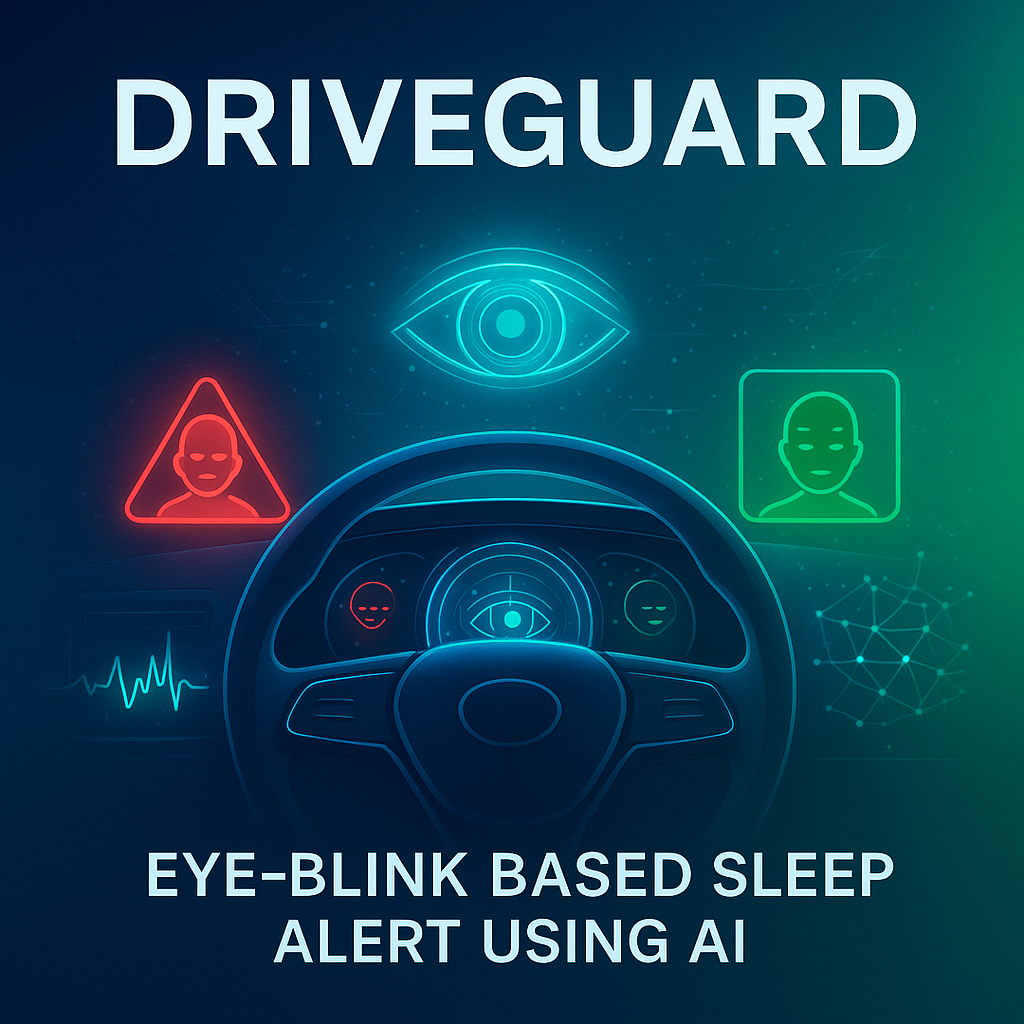
DriveGuard: Eye-Blink Based Sleep Alert
Abstract
DriveGuard is a lightweight, real-time driver drowsiness detection and alerting system built on Computer Vision and classical Machine Learning. Using a webcam feed, the system detects the driver’s face and eyes, estimates eye-open/eye-closed states, and computes short temporal statistics (blink frequency and closed-eye ratio) to infer drowsiness. When the closed-eye ratio exceeds a configurable threshold within a moving time window, DriveGuard triggers audible and on-screen alerts. The web UI (HTML/CSS/JS without Bootstrap) runs on Flask and communicates with the detector process via REST and Server-Sent Events (SSE) to surface live logs such as “eyes!!!” and “no eyes!!!”. The design emphasizes edge readiness (runs on a laptop/embedded PC), low latency (~30 FPS on CPU), and easy deployment (no GPU required). Optional extensions include a CNN-based eye state classifier, yawning/pose cues, and PERCLOS computation for improved robustness.
Introduction
Road accidents due to fatigue and micro-sleep are a leading safety challenge. Traditional countermeasures (speed governors, lane departure buzzers) do not directly measure driver vigilance. Camera-based analysis of ocular behavior provides a non-intrusive, affordable, and explainable cue: frequent long closures and reduced blink variability often precede micro-sleep. DriveGuard leverages widely available webcams and OpenCV to detect faces and eyes, infer the eye state in each frame, and aggregate temporal evidence to decide when to alert. The system’s architecture separates concerns: a detector process handles video and inference; a Flask web app manages login, control, and visualization; and an alarm service produces auditory cues. This modularity supports rapid iteration (e.g., swap Haar cascades for a CNN eye classifier) and clean integration with vehicles or fleet dashboards.
Problem Statement
Design and implement a real-time, non-intrusive drowsiness monitoring system that: (1) reliably detects eye openness/closure from a live camera feed in varied lighting and with eyeglasses; (2) aggregates detections over time to avoid false alarms from natural blinks and noise; (3) alerts the driver immediately upon sustained eye closure beyond a threshold; (4) provides an intuitive dashboard to start/stop detection, view live alerts/logs, and configure basic behaviors; (5) operates on commodity hardware without GPU and with minimal latency.
Existing System
Typical existing solutions include: (a) Hardware wearables (EEG headbands, eye-tracking glasses): accurate but intrusive/expensive. (b) In-car OEM systems (integrated infrared cameras + proprietary models): effective but closed and costly. (c) Lane/steering-based heuristics: indirect vigilance proxies; delayed and context dependent. (d) DIY CV scripts: lack production-ready UI, logging, or alert management.
Disadvantages of Existing Systems
- High cost or vendor lock-in (OEM, wearables)
- Intrusiveness and user discomfort (headgear)
- Indirect or delayed signals (lane/steering heuristics)
- Fragile prototypes without reliable UX or configurable thresholds
Proposed System
DriveGuard offers a practical middle ground: Vision-based ocular monitoring using OpenCV Haar cascades (face/eyes) or optional CNN eye classifier; temporal reasoning via moving windows (e.g., 10–15 s) to compute closed-eye ratio/PERCLOS; immediate alerts (audible + UI) on surpassing thresholds (e.g., ≥20% closed-eye frames); professional web UI with login (default admin/admin), dashboard controls, real-time logs, and optional browser beep; edge-friendly CPU-only implementation for laptops or small PCs.
Advantages
- Low cost, no specialized sensors
- Explainable logic (eyes open/closed + temporal stats)
- Clean separation of UI and detection; easy to maintain/extend
- Real-time feedback with minimal latency on standard CPUs
- Configurable thresholds; optional deep learning upgrade path
Modules
- Authentication & Session: Admin login, session handling.
- Dashboard UI: Start/Stop controls, live alert banner, log viewer, settings (beep toggle, autoscroll).
- Process Manager: Spawns/terminates the detector (SleepDetection.py) and checks run state.
- Detector (Computer Vision Core): Captures frames, detects face/eyes, classifies eye state and computes temporal metrics.
- Alerting: Local audio alarm and UI alerts delivered via SSE.
- Configuration: Thresholds (window length, closed-eye ratio), audio toggles.
Algorithms :
Baseline (Classical CV): Face & Eye Detection via OpenCV Haar cascades;
Eye State Heuristic—evaluate eye ROI cues to classify open/closed per frame;
Software Requirements
- OS: Windows 10+/Ubuntu 20.04+/macOS 12+
- Python: 3.8–3.11
- Libraries: Flask, opencv-python, numpy, playsound (or OS-specific player)
Hardware Requirements
- CPU: Dual-core+ (≥2.0 GHz), no GPU required
- RAM: ≥4 GB
- Camera: 720p+ webcam with 25–30 FPS
- Audio: Speakers for alarm
Conclusion
DriveGuard demonstrates that accurate, non-intrusive drowsiness alerts are achievable on commodity hardware using Computer Vision and simple temporal reasoning. The modular architecture—detector, process manager, SSE streaming, and professional dashboard—makes the system production-friendly and extensible. Combining robust eye detection with moving-window statistics provides timely warnings while minimizing false positives.
Future Enhancement
- Deep Learning Eye State: Lightweight CNN for robustness under glasses/low light
- Multimodal Cues: Yawning, head pose, gaze drift; fuse with EAR/PERCLOS
- Adaptive Thresholds: Personalize to driver baseline and lighting via calibration
- Data Persistence & Analytics: Store events, visualize trends, export reports
- Mobile Companion: Android/iOS view-only app for alerts and summaries
- Edge Packaging: Docker, watchdog, OTA updates
- Privacy & Security: On-device processing, optional face anonymization, strict access control

Reviews
There are no reviews yet.